
01FOR ASTROLOGERS
EXAMPLE CHART · KP HORARY
Horary
Explore a client’s question with an AI interpretation based on their Horary chart.
Question + Horary chartAI interpretation for you to review
Explore HoraryJyotishGrid is specialist software for astrology, numerology and card readings, with client management and JyotishG AI in the same workspace.
Free forever / No credit card required
EARTH-CENTRED SKY
12 Rashis · 27 Nakshatra divisionsSidereal zodiac · Lahiri, J2000 illustration
Your readings. Your clients.
Connected.
We build software for practising astrologers, numerologists and card readers. JyotishGrid brings your reading methods, client details and consultation history into one online workspace — from preparing a reading to the next follow-up.About JyotishGrid
Birth and divisional charts, Dasha, KP Horary and Jamakkol — tools for the methods you practise.
Explore astrologyLo Shu grids, Vedic numerology, Chaldean and Pythagorean name analysis, personal cycles and compatibility.
Explore numerology78 cards, 18 spreads, optional reversals and live client draws. Keep every follow-up connected to the original reading.
Explore TarotPlanet, House and Rashi decks, with General, Seed-based and Binary draws for your client’s question.
Explore PrashnaTake a closer look at each tool. See what it does and how it fits into your consultations.
Birth charts, Dasha, BNN, Sarvatobhadra, Tajik, Jaimini, Ashtakavarga and KP.
Explore the toolFor question-based astrologyTwo distinct chart methods, with JyotishG AI interpretation support.
Explore the toolFor numerologistsLo Shu and Vedic charts, name analysis and personal cycles.
Explore the toolFor Tarot readersExplore 18 spreads, reversals and follow-up cards.
Explore the toolFor Prashna readersPlanet, House and Rashi decks for question-based readings.
Explore the toolFor astrologers & numerologistsCompare relationships and partnerships through charts and numbers.
Explore the toolFor every practitionerKeep client details, consultation notes and life events together.
Explore the toolFIND YOUR FITCompare Free and Pro for the tools and features your practice needs.
Compare plansLook inside the workspace. Switch between astrology tools, numerology tools and client records below.
Create birth and divisional charts, study planetary positions, and explore Dasha and transits. Keep the details ready when your client asks a question.
Explore Astrology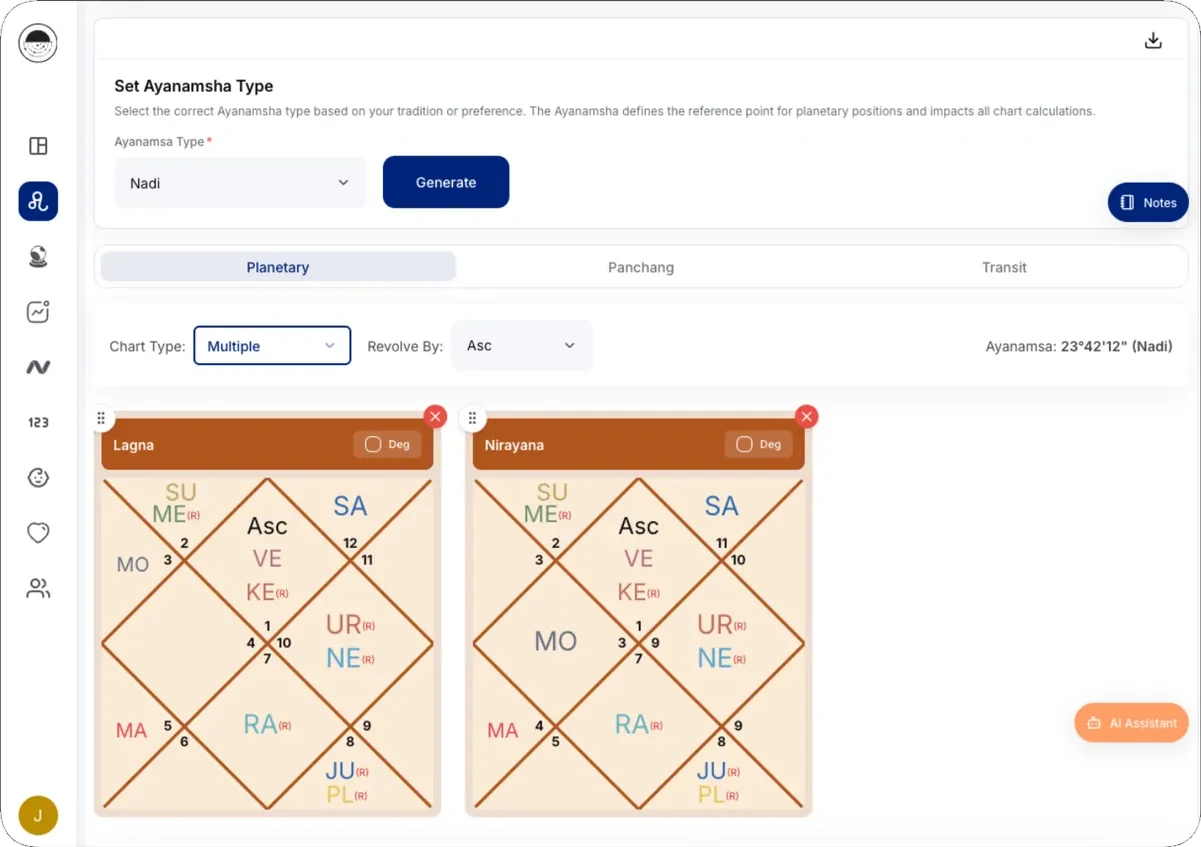
Read Tarot your way with 78 cards, 18 spreads and optional reversals. Invite your client to draw, add follow-up cards and bring JyotishG AI into the completed spread.
Scroll to turn the spread


AN EXAMPLE THREE-CARD SPREAD
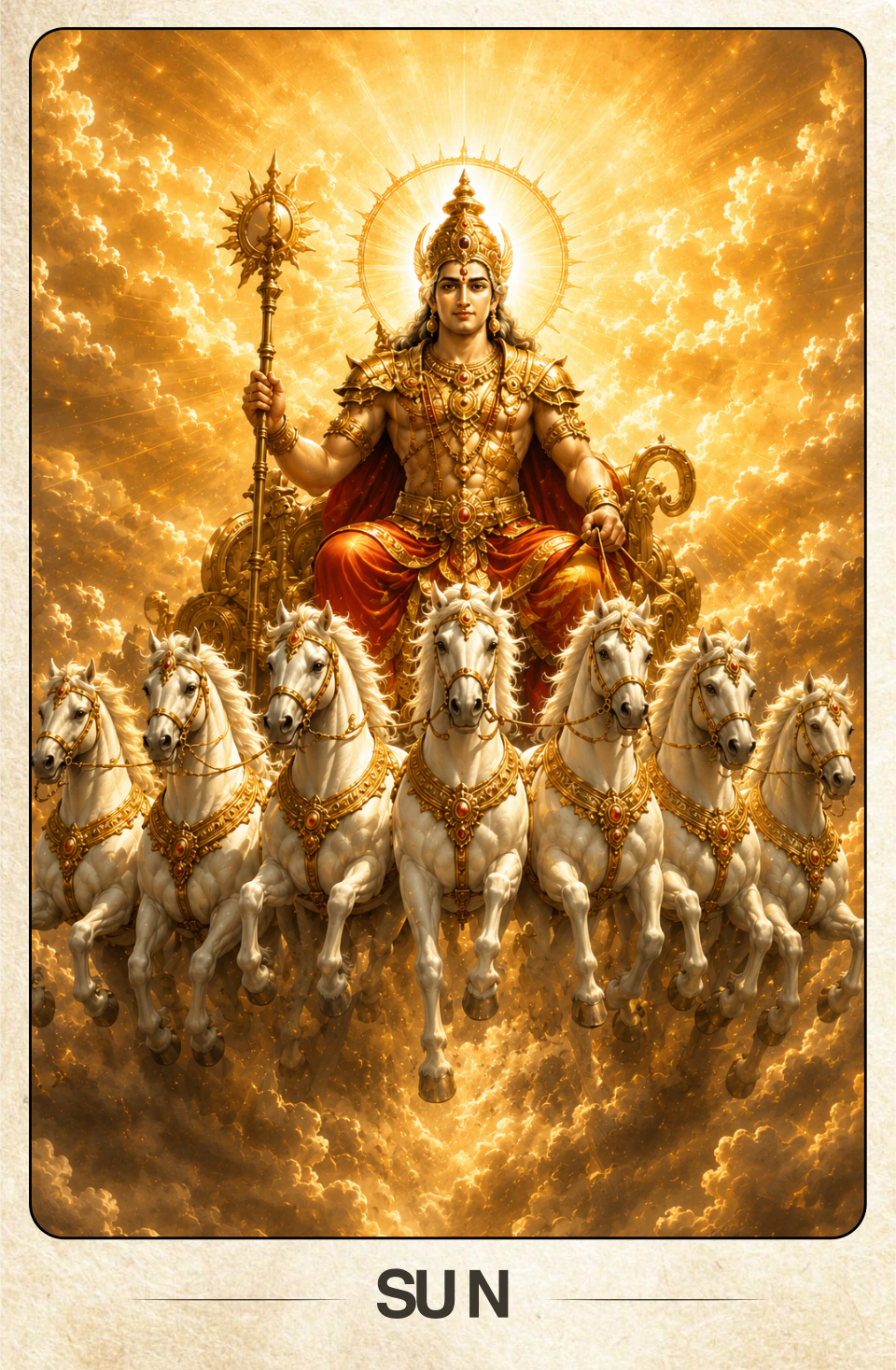
Explore your client’s question through Planet, House and Rashi cards. Choose General, Seed-based or Binary draws, and use JyotishG AI with saved General and Binary readings.
Scroll to reveal the card
JyotishG AI analyses a client’s question using the chart or cards from your reading. Get a structured explanation to review and discuss with your client.
Explore a client’s question with an AI interpretation based on their Horary chart.
Bring the question and Jamakkol chart together in a structured AI explanation.
Read the completed spread with AI support that considers each card, its position and its orientation.
Explore saved General and Binary draws with an AI explanation based on the question and selected cards.
Included with Pro. You guide the consultation and decide how to use the analysis.
Meet JyotishG AIWhether you practise astrology, numerology or card reading, use your tools in a language that feels familiar. The JyotishGrid workspace is available in six languages.
Choose your workspace language in Settings. Client reports are available in English and Hindi.
Explore the workspaceWork across astrology, numerology and cards in one account. Keep client profiles, notes and life events alongside the tools you use for each consultation.
See the workspaceInvite a client to draw Prashna or Tarot cards remotely. Save the question, selected cards and follow-ups so you can return to the full reading later.
See live card readingsJyotishG AI uses the question and Horary or Jamakkol chart, or the cards in a reading, to prepare an interpretation. You review it and guide the consultation.
Explore JyotishG AINew saved card readings, live invitations and new AI analyses require Pro. Compare Free and Pro
Your JyotishGrid software is really great. Numero and other features of numero you have added like car number, baby name is really helpful and meets the current demand of common man.
Loading the latest stories…
Start with core charts, numerology, basic cards and client records on Free. Move to Pro for live card invitations, new JyotishG AI analyses and branded reports.
Free forever / No credit card required