01
Planet, House and Rashi together
Explore the planetary, house and sign context through a structured card selection. The question and chosen cards stay in one reading.
Explore your client’s question with Planet, House and Rashi cards. Choose General, Seed or Binary mode, invite your client into the draw, and keep the reading with their profile.
Try General card tools free. New saved readings, live invitations and new AI analyses require Pro.

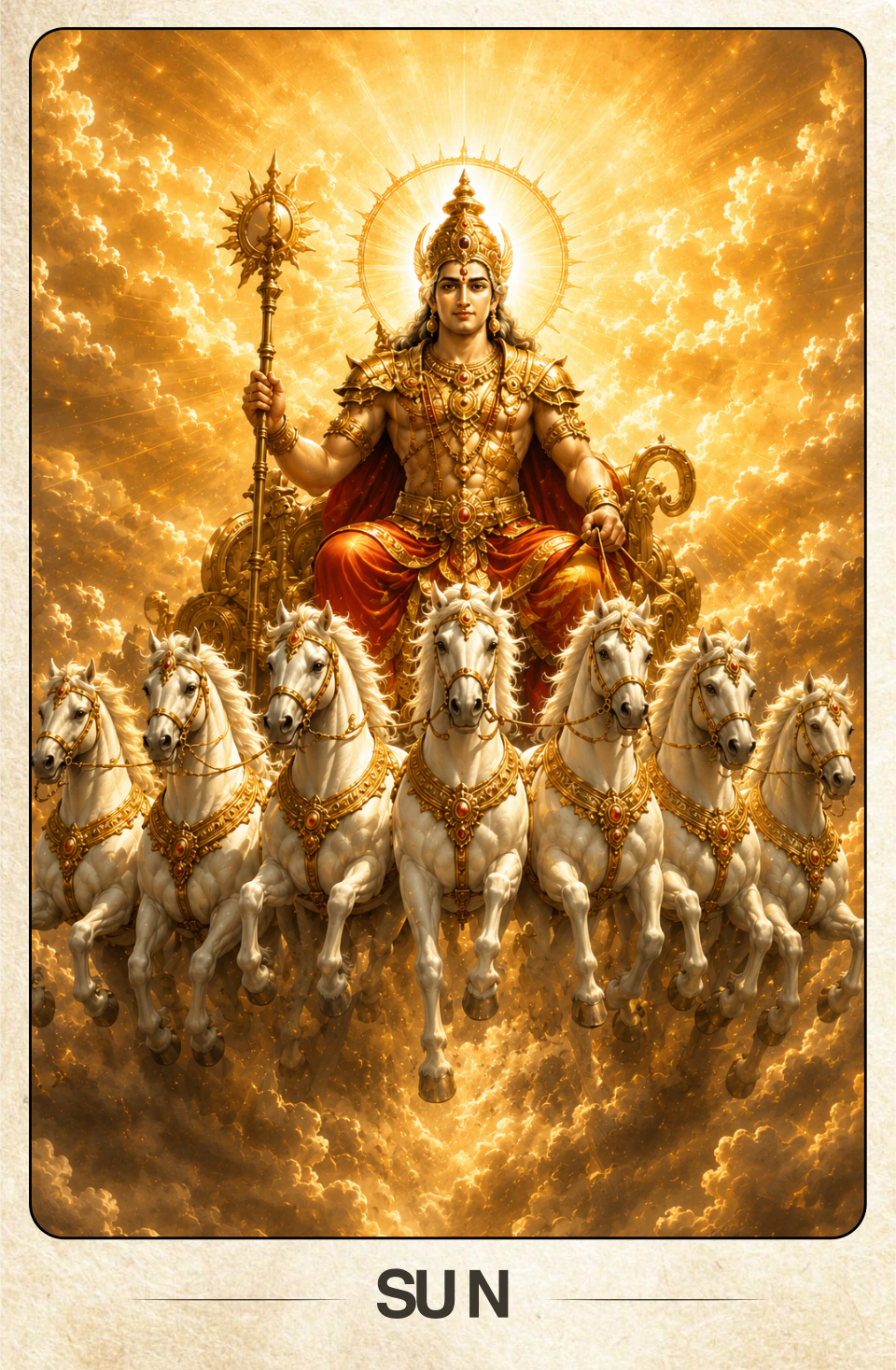
PRASHNA PLANET DECK · SURYA
BEGIN WITH A QUESTION
01 / WHAT YOU CAN DO
A clear sequence from card selection to interpretation and follow-up, with your method and your client’s question at the centre.
Explore the planetary, house and sign context through a structured card selection. The question and chosen cards stay in one reading.
Select cards manually or automatically in General mode. Use a number in Seed mode, or choose Binary for a focused yes-or-no style question.
Get AI support using the question and selected cards in General and Binary readings. AI is not available for Seed mode. New analyses require Pro.
Continue with the available follow-up draw when a new question arises, keeping the main question and previous cards together.
Choose your supported card language and theme. Your invited client sees the same language and theme during the session.
Save new readings to a client with Pro. Download a branded screenshot and reopen saved sessions when you need the context again.
Create a Prashna invitation for a new or existing client. Share the link, then follow their card choices live. New live invitations and saved readings require Pro.
02 / IN YOUR DAILY PRACTICE
JyotishGrid helps organise the draw and preserve the reading. You guide the interpretation and the conversation.
Add your client and the main question, then choose General, Seed or Binary mode.
Select cards in your workspace or invite your client with a Pro live link. Use view-only mode when they want to watch you draw.
Interpret the selected cards alongside the question. Bring in JyotishG AI for additional support in General and Binary readings.
Add a follow-up when needed, then save the session with Pro or download a branded screenshot.
03 / IN DEPTH
Prashna cards bring the logic of Vedic question astrology to a card draw. Instead of a horary chart, the answer comes from the planet, house and sign drawn for the question.
Each deck represents one layer of a chart: the nine grahas, the twelve bhavas and the twelve rashis. Drawing from all three gives a compact answer that a Jyotish practitioner can read with familiar significations.
A General draw explores an open question. A Seed-based draw ties the result to a number given by the querent, similar to the number used in horary. A Binary draw is for questions that need a yes or no. Saved readings stay with the client for follow-up.
With Pro, clients can draw from their own device during an online session. JyotishG AI can explain saved General and Binary draws as a second perspective; it is not available for Seed-based draws.
VIDEO TUTORIALS
Complete Prashna Cards Workflow
Card Reading & AI-Powered Analysis Tutorial
04 / A LITTLE MORE CLARITY
The details that matter to your practice.
They are for astrologers and card readers who use Planet, House and Rashi cards to explore a client’s question. The question, card selections and follow-ups stay together.
Yes. With Pro, create an invitation and email or copy the link. The client’s selections update live in your workspace.
JyotishG AI supports General and Binary Prashna readings. It is not available for Seed readings. New AI analyses require Pro.
Free includes General Prashna card tools and viewing saved readings for clients you can access. New saved readings, new live invitations and new AI analyses require Pro.
AI supports saved General and Binary draws. Seed-based draws are read by the astrologer.
MAKE IT PART OF YOUR PRACTICE
Your Prashna method, your client’s participation and the context of every reading, together in one workspace.
Try General card tools free. New saved readings, live invitations and new AI analyses require Pro.