FOR ASTROLOGERS & CARD READERS
JyotishG AI
Your reading.A second perspective.
Your client’s question. Your chart or cards. JyotishG AI brings them together in an explanation you can review, reflect on and use in your reading.
AI offers another perspective. You lead the reading.
An interpretation for your review
Question + Horary chart
01 / INSIDE YOUR READING
Four ways to read.Your expertise at the centre.
Every method has its own context. JyotishG AI works with the question, chart or cards in the reading you are doing.
Horary
FOR ASTROLOGERS
Bring the question into the chart.
Explore your client’s question with interpretation support based on the Horary chart. Review the explanation alongside your own astrological judgement before discussing it with your client.
- The client’s question
- Context from the Horary chart
- An interpretation for your review
Jamakkol
FOR ASTROLOGERS
Another perspective on your Jamakkol reading.
Bring the question and Jamakkol chart together in a structured AI explanation. Read it alongside your own interpretation and decide what is useful for the consultation.
- Focused on the client’s question
- Based on the Jamakkol chart
- Support for your interpretation

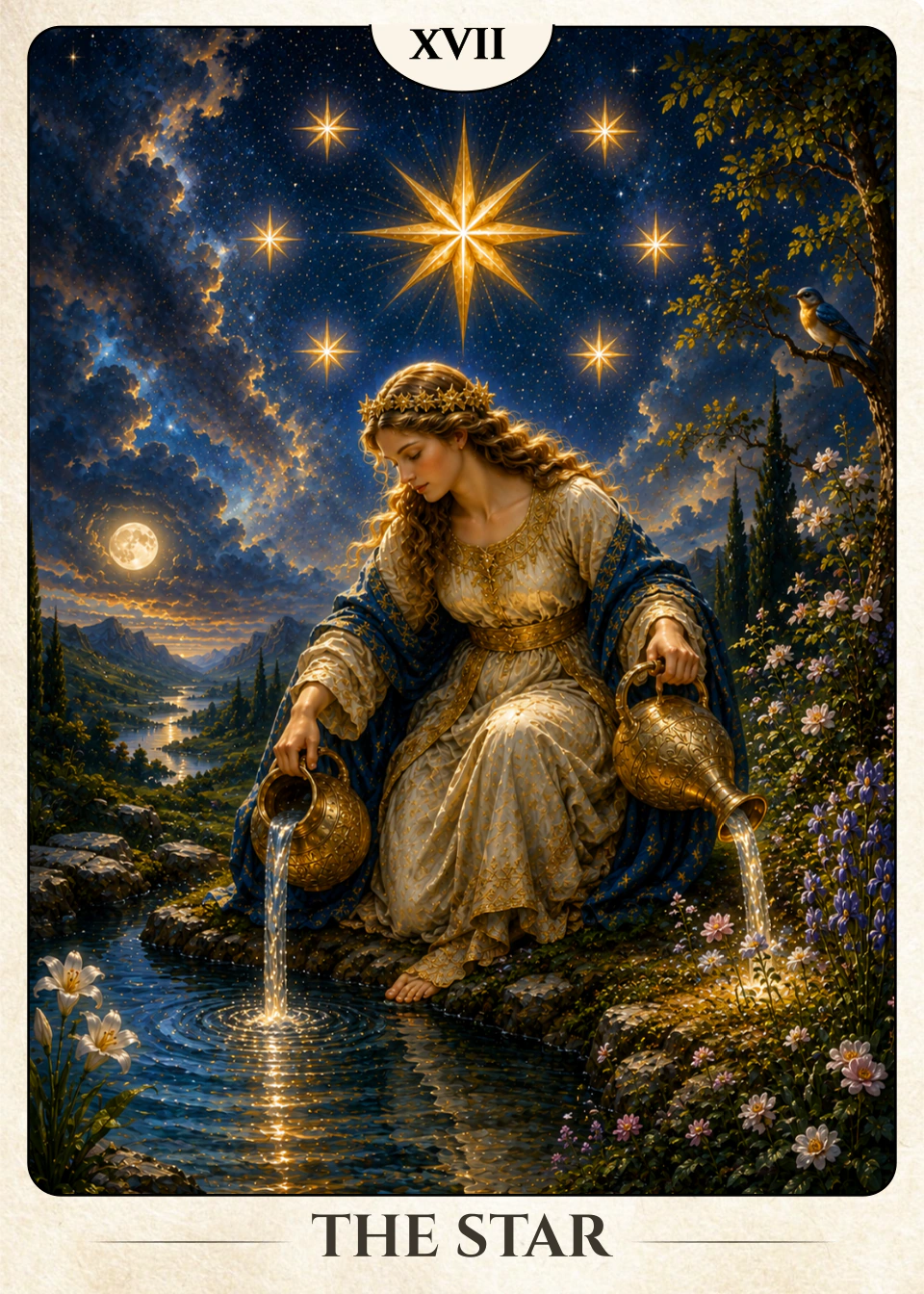
Tarot
FOR TAROT READERS
Read the story across the spread.
Once the Tarot spread is complete, JyotishG AI considers the cards, their positions and their orientations together. Bring that perspective into the reading through your own expertise and your client’s context.
- The completed Tarot spread
- Card positions and orientations
- Interpretation connected to the question

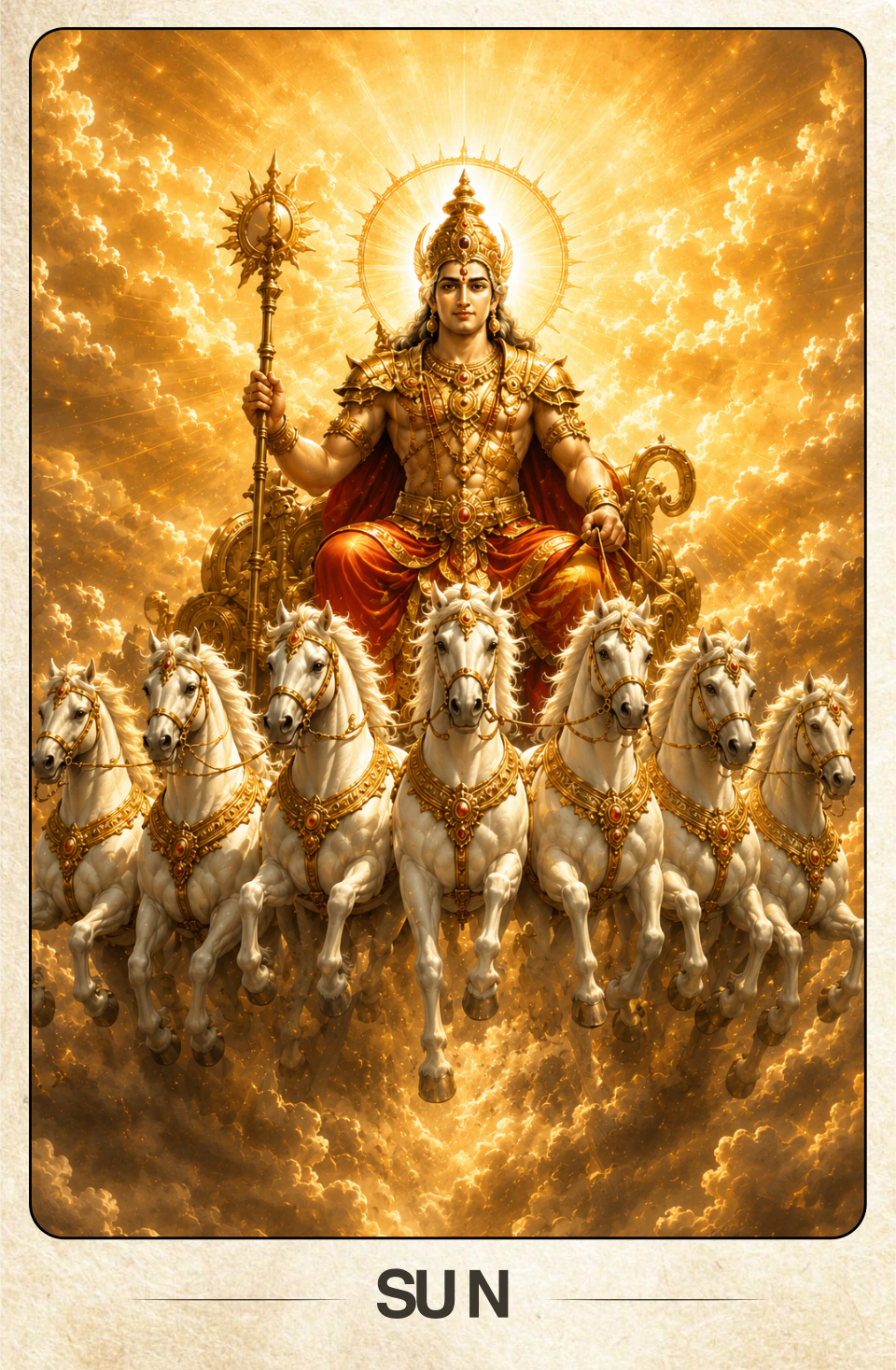
Prashna
FOR PRASHNA READINGS
The question and the cards, together.
Explore saved General and Binary Prashna readings with an explanation based on the question and selected cards. This is a dedicated Prashna workflow; AI is not available in Seed mode.
- Saved General and Binary readings
- The question and selected Prashna cards
- AI is not available in Seed mode
02 / IN YOUR DAILY PRACTICE
Start with a question.Bring your own judgement.
Bring JyotishG AI into the way you already work. The reading and the client conversation stay in your hands.
- 01
Prepare the reading
Add the client’s question and open a Horary, Jamakkol, Tarot or supported Prashna reading.
- 02
Bring in JyotishG AI
Get an interpretation in the context of that question and chart or cards. New analyses are available with Pro.
- 03
Review. Then explain.
Assess the interpretation through your own expertise and decide what to share in the consultation.
03 / A LITTLE MORE CLARITY
Before you begin.
Where can I use JyotishG AI?
In Horary, Jamakkol, completed Tarot spreads and saved General or Binary Prashna readings. AI is not available for Prashna Seed mode.
Does AI conduct the reading for me?
It supports interpretation using the question and the chart or cards. You review the analysis, bring your own expertise and guide the conversation with your client.
Do I need Pro?
New AI analyses require Pro. Free users can view previously saved analyses for clients they can access. Compare plans for the full details.
Is this for numerology readings too?
The AI workflows shown here support Horary, Jamakkol, Tarot and supported Prashna readings. JyotishGrid offers separate specialist calculation, grid and analysis tools for numerologists.
JYOTISHG AI · PRO
Bring a fresh perspectiveto your next reading.
New AI analyses are included with Pro. On Free, you can view previously saved analyses for clients you can access.